Bilingual Landing Pages for Bahrain: 5 Prelaunch Checks
A five-step prelaunch checklist for Arabic and English campaigns in Bahrain, covering ad routing, mobile forms, lead delivery and reporting.
- Table of Contents
- 1. Match each ad to the right page
- 2. Review Arabic copy and right-to-left layout
- 3. Submit test leads in both languages
Bilingual landing pages for Bahrain need to carry the same offer from ad click through to the sales reply. An Arabic page can read well and still lose an enquiry if its form errors appear in English or the sales team never receives it. Use these five checks to test both journeys before committing campaign spend.
Table of Contents
1. Match each ad to the right page
Start with a routing sheet. Give each ad or campaign asset a row with its language, offer, final URL, call to action and owner. A buyer who clicks an Arabic ad for a site assessment should land on the Arabic assessment page and see what the assessment includes. Give the English version the same test.
Open the exact final URLs on a phone, including any tracking parameters. Switch languages mid-journey and confirm that the switch opens the equivalent offer. Google describes how language signals inform ad delivery, so check the actual ad and destination pair while reviewing the campaign setup. Google Ads language targeting documentation.
2. Review Arabic copy and right-to-left layout
Ask a fluent reviewer to read the page as a customer would. Check the headline, eligibility, button labels, help text, validation errors and confirmation message. Agree on wording for the offer and on how to display brand names, amounts in BHD and phone numbers.
On the Arabic page, test right-to-left rendering at a narrow mobile width. Look for clipped buttons, misplaced punctuation and reordered mixed-language strings. Pay special attention to phone numbers, model codes and email addresses inside Arabic sentences. W3C recommends setting the base direction in HTML and discusses how to handle entered text. W3C guidance on right-to-left HTML.
3. Submit test leads in both languages
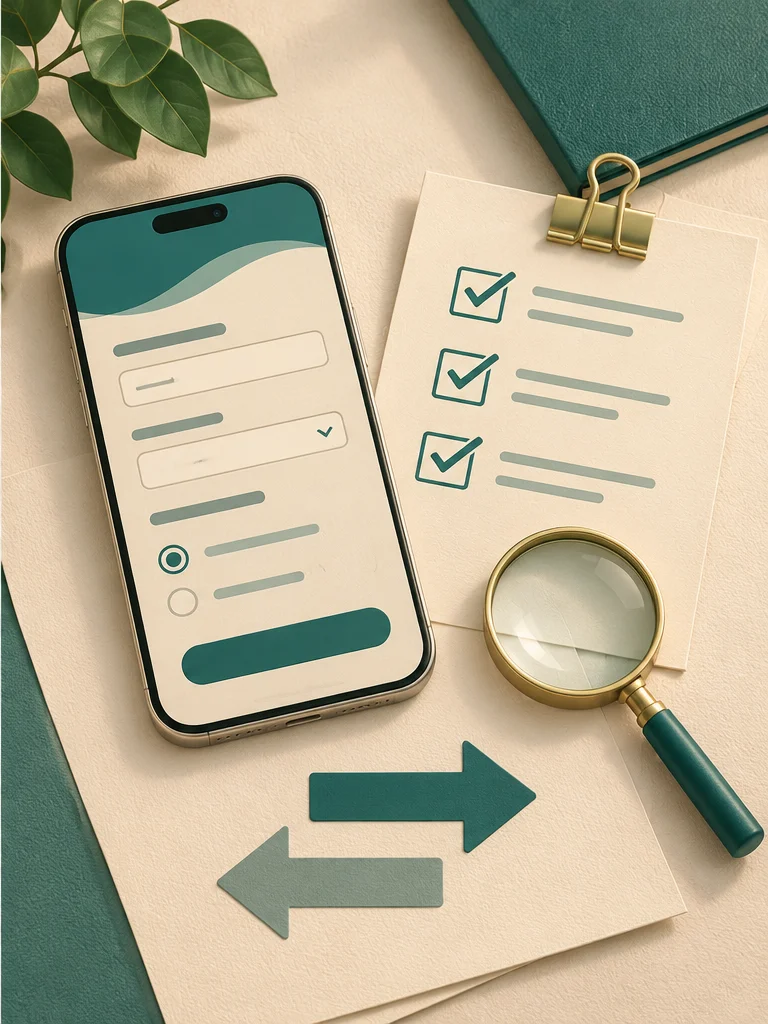
Make one successful submission and one deliberately incomplete submission per page. Check that validation is understandable, the confirmation explains what happens next, and the test reaches the correct inbox or CRM owner. If you offer calls or messaging, test those paths with the team that will answer.
Use a recognizable test reference, such as QA-AR-01, and ask the owner to confirm the record and reply language. Test resubmission and refresh to spot duplicate events. Record a screenshot and outcome for each journey so the team can repeat the same checks after a fix. For related mobile and site checks, see our website SEO checklist before a lead campaign.
4. Separate enquiry quality by page language
Record landing-page language and campaign source alongside a lead reference in your reporting workflow. Test that both survive the handoff to sales. Keep personal details inside the systems that need them, and use the reference to reconcile leads with the reporting team.
Report submissions and qualified enquiries separately. If one language generates many submissions but few qualified leads, inspect search terms, the offer and the sales response before changing the budget. Early results can be noisy, so agree on a review window and a qualification rule before launch.
5. Agree on a launch gate
Assign one owner each for copy, page testing, tracking and lead routing. Mark a journey ready when the offer matches the ad, the mobile form works, and a test lead reaches its owner with a usable source record. Where one version is ready and the other has a critical issue, isolate the ready journey and retest the second after repairs.
After launch, rerun the form test whenever the team changes a landing-page template, campaign URL or CRM routing rule. Keep the checklist with your campaign brief so a new owner can repeat the process.
Frequently asked questions
Do Arabic and English need separate URLs?
Separate URLs make ad routing and testing easier. Use a visible switch that leads to the equivalent offer so visitors can choose their preferred language.
Can both pages feed the same CRM pipeline?
Yes. Preserve the landing-page language and the customer’s preferred reply language as distinct fields when they differ, and make sure the assigned team can follow up.
What should delay a launch?
Pause the affected journey when the destination shows a different offer, the form cannot be completed on mobile, or a test lead fails to reach the assigned owner.
Get a prelaunch review
Have two landing pages ready for review? Share the offer, both URLs and your enquiry workflow with Webmiz Digital Solutions to discuss the checks your campaign needs before launch.