
Content Planning for Bareilly Businesses: A 30-Day Guide
Turn customer questions into a focused shoot, four weeks of posts and a simple enquiry review for your Bareilly business.
- Table of Contents
- Collect questions before you plan the shoot
- Build a shoot brief from three repeatable formats
- Show how it works

Content planning for Bareilly businesses starts with the questions customers ask before they visit, book or request a quote. Collect those questions first, then use one focused shoot to answer them across the channels your customers already use. This 30-day plan works for a shop, a service provider or a small team commissioning its first batch of content.
Table of Contents
Collect questions before you plan the shoot
Review recent calls, messages and sales conversations with the people who answer them. Group recurring questions by what the buyer wants to do next, such as comparing options, confirming availability or asking for a quote. Remove identifying details before adding examples to the brief.
For example, a furniture showroom might hear three questions repeatedly: Will this fit through my doorway? Can I see the fabric in daylight? What do I need to share for a delivery quote? Each question suggests a visual the team can produce and a next step customers can take.
Give every planned piece a specific question and a reader action. A post that shows how to measure a doorway can link to a short measurement guide or invite readers to send their dimensions. Google Search Central’s guidance on people-first content offers a useful check for pages that will live on your website.
Build a shoot brief from three repeatable formats
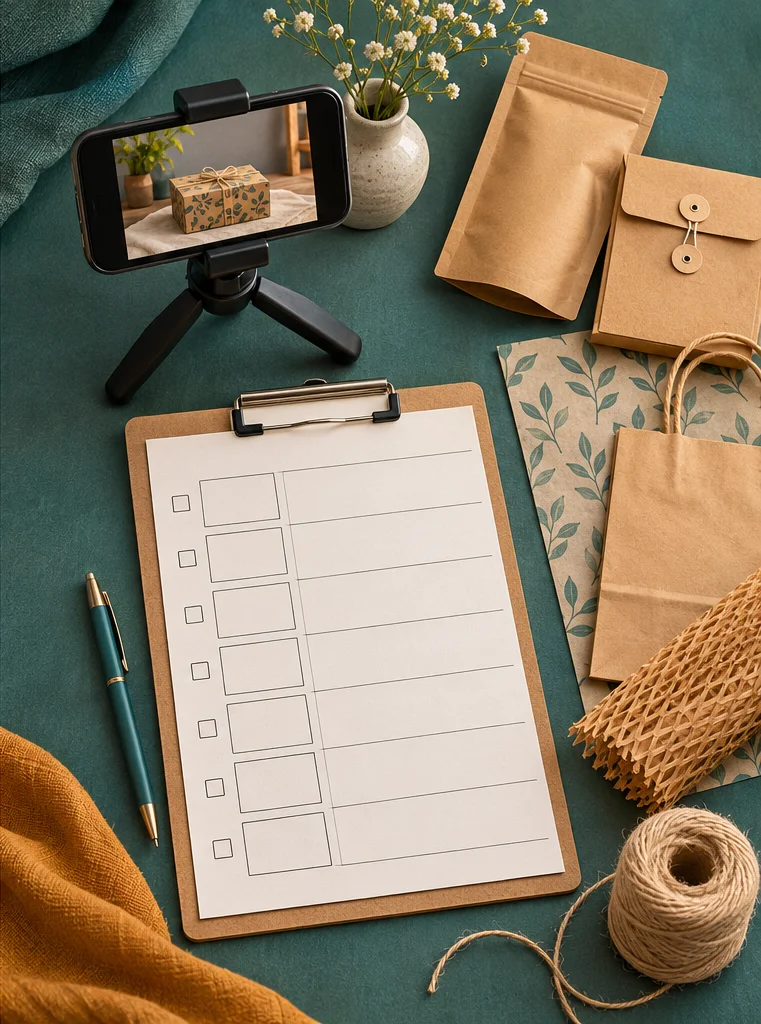
Show how it works
Film the process in a sequence a first-time customer can follow. Capture a wide view, a close-up and a final result. Add captions and write down the steps while the person demonstrating them is available.
Help customers compare
Photograph two options under the same lighting. Explain who each suits and what information you need before giving a firm price. Label examples with their actual materials or specifications and confirm any details that may change.
Explain the next step
Capture what a customer should bring, measure or send. In the shoot brief, specify the person who will answer, how readers should make contact and what happens after they do. Ask permission before including customer footage or testimonials.
Turn the shoot into a four-week calendar
- Week 1. Publish a short demonstration that answers the most common question.
- Week 2. Share a photo comparison that links to the relevant service or product page.
- Week 3. Use a clip or annotated photo to explain how to prepare for a visit or quote.
- Week 4. Answer a follow-up question received after publishing and update the website answer if customers still need clarification.
Assign one person to confirm stock, hours and offer details before each piece goes out. Reuse the footage when it fits, and rewrite the caption for the specific channel and action. Test links and enquiry forms with the website SEO checklist before a lead campaign.
Review the enquiries the content helped generate
Keep a simple sheet with the date, topic, channel, destination and intended action for each piece. When staff speak to a new customer, they can ask what prompted the enquiry and record the answer when the customer remembers. Compare the questions people ask after seeing the content with the questions the content was designed to answer.
Review useful enquiries alongside reach and clicks. If a video draws views while buyers keep asking for dimensions, add a clear measurement example and make it easy to find. Use the next shoot to fill the gaps the team can point to in actual conversations.
Frequently asked questions
How often should a small business post?
Start with one useful piece per week if the team can sustain it. Leave time to reply to enquiries and update anything that has changed.
What should I give a content creation service?
Share customer questions, the offer, confirmed product details, brand assets, approval contacts and the intended destinations. Agree who keeps the source files and who can approve final edits.
Can the same material work on the website and social media?
Yes. A short clip can introduce the question on social media, while the website page can explain the answer in more detail and give customers a way to enquire.
Plan your next shoot
Bring three recent buyer questions, one offer and your enquiry process to a content planning discussion with Webmiz Digital Solutions. Those details give the team a starting point for a shot list and a month of posts.